STLPal
All tools / STL to STEP
STL to STEP converter
Need an STL in Fusion, SolidWorks or FreeCAD? Drop it here and get a STEP file back, with flat areas merged into proper faces.
Good to know
How to convert STL to STEP
- Drop the STL in the box. Check the size panel: STL has no unit, so if a 40 mm part shows as 1 mm, set File units to inches or centimetres.
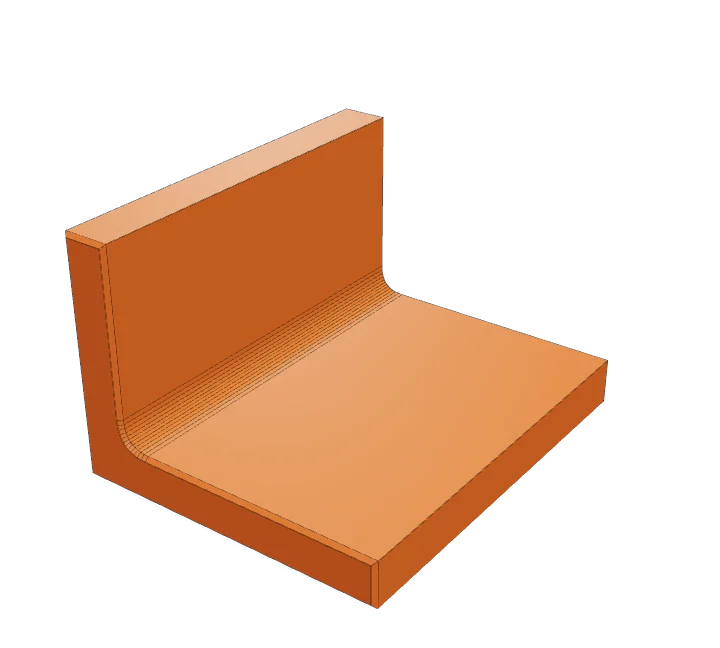
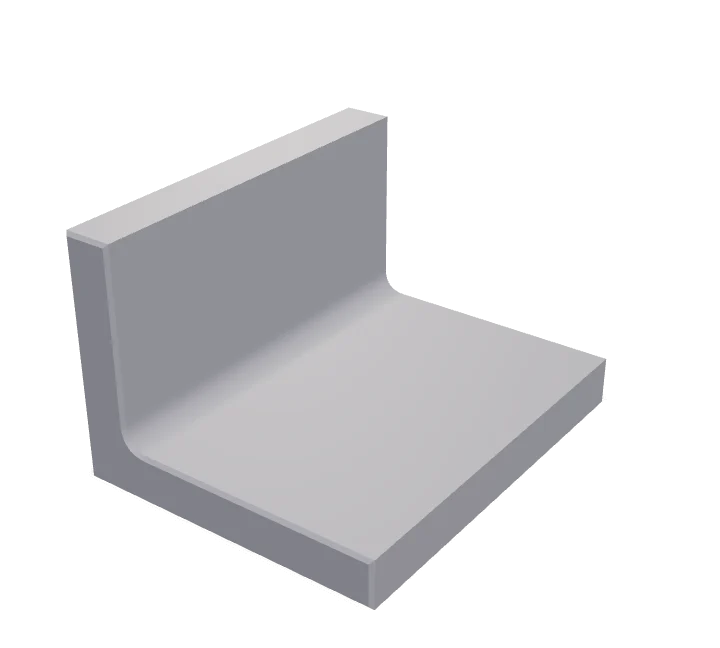
- Keep "Merge flat areas" on. Triangles that lie in the same plane become one face, so a flat plate with two holes comes out as one face with two round cut-outs, not hundreds of slivers.
- Click Download STEP. A closed mesh is saved as a solid. A mesh with holes is saved as surfaces, and we tell you before you download.
- Open the .step in Fusion, SolidWorks, FreeCAD or Onshape. Use .stp instead if your software only lists that. It's the same format.
What you get, and what you don't
You get a real STEP solid, made of flat faces. CAD can measure it, cut it, put holes in it, mirror it and join it to other bodies.
You don't get features. A mesh never knew it had a 5 mm fillet or a 20 mm bore. It only has triangles, so a cylinder stays a ring of flat strips. Nothing can tell for sure what the designer drew, so we don't guess.
If you need to change sizes properly, use the STEP as a reference and redraw the part over it. For a bracket or a box that's often quicker than it sounds.
Opening it in Fusion, SolidWorks and FreeCAD
- Fusion: open or insert the STEP, and you get a solid body you can cut, join and mill. Fusion also has its own Convert Mesh tool in the Mesh tab if you start from the STL.
- SolidWorks: open the STEP like any part. The Open dialog can also bring an STL in as a solid body itself, under Options. Both give you flat faces.
- FreeCAD: open the STEP and it shows as a Part solid. Part → Refine shape tidies up any leftover split faces.
- Onshape: import the STEP into a Part Studio. It shows as a part you can add features to.
Big meshes make big STEP files
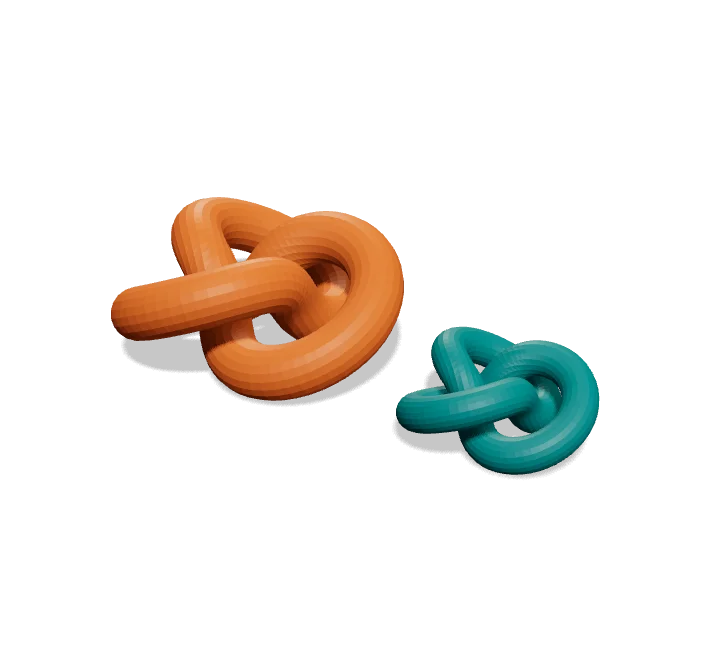
STEP is plain text, and every corner, edge and face gets its own line. A mechanical part with big flat areas shrinks a lot when they merge. A sculpt, a scan or an AI-made model doesn't, because almost nothing on it is flat.
For those, cut the triangle count before you convert. Blender's Decimate modifier or the simplify tool in most slicers do it. CAD apps get slow with very dense meshes, so a lighter model is easier to work with anyway.
How it works
- 1Drop your STL in the box. Check the size in mm. STL has no unit, so pick one if it looks wrong.
- 2Leave "Merge flat areas" on. A box comes out as 6 faces instead of a pile of triangles.
- 3Click Download STEP and open it in your CAD app.
Questions people ask
Checked October 2026
- Do my files get uploaded?
- No. Everything runs in your browser. The file never leaves your computer, so it works for client files and unreleased designs too.
- Can I edit the STEP in Fusion or SolidWorks?
- You can open it, measure it, cut it, add holes and combine it with other bodies. You can't change a fillet or a hole size, because a mesh has no features to change. To get those back, rebuild the part on top of it, or try Fusion's Convert Mesh tool on the STL.
- Why are curved surfaces made of flat patches?
- An STL stores every surface as triangles, and the STEP keeps them. Flat areas merge into one face each, but a curve stays one face per triangle. Nothing can tell for sure that those triangles were a cylinder.
- Why is the STEP file so much bigger than the STL?
- STEP is plain text and writes out every corner, edge and face with its own line. A binary STL packs a triangle into 50 bytes. Merging flat areas helps a lot on mechanical parts. On a sculpt or a scan it can't, so cut the triangle count first.
- Is STP the same as STEP?
- Yes. .stp and .step are the same format with two extensions. Rename the file if your software only lists one of them.
- Will it be a solid or just surfaces?
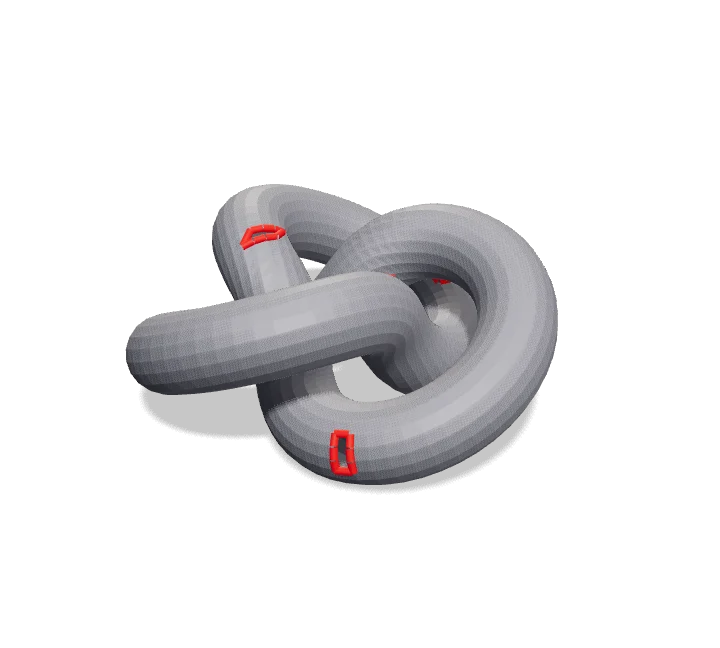
- A closed, watertight STL becomes a solid. If the mesh has holes or flipped faces, you get surfaces, which most CAD apps won't cut or measure for volume. Fix it in STL repair first.
Other tools you might need