STLPal
All tools / STL compressor
STL compressor
STL too big to upload, email or slice? Drop it here. We cut out triangles you won't miss and save it as a smaller STL or 3MF. Nothing is uploaded.
How to make an STL file smaller
Drop the file in the box. On Keep the look, we remove triangles only where the surface moves less than 0.02 mm, and you see the new size right away. Download the STL, or the 3MF if your slicer opens it (Bambu Studio, PrusaSlicer, OrcaSlicer and Cura all do).
Nothing is uploaded. The file is read, simplified and saved in your browser, so it works for big files on a slow connection too.
Why some STL files are so big
- Too many triangles. 3D scans, sculpts and some AI-made models come out with hundreds of thousands or millions of triangles, far more than a printer can show.
- Text (ASCII) STL. Every number is written out as text, so the same model is often four or five times bigger than a binary STL. Older tools and some CAD apps still save this kind.
- No sharing. STL stores the three corners of every triangle on their own, even though each corner is shared by about six triangles. 3MF and OBJ store each corner once.
- A fine CAD export. Fusion, SolidWorks and Onshape let you pick how finely curves are cut into triangles. The finest setting can make one round hole cost thousands of triangles.
The three ways this page shrinks a file
| What we do | How much it saves | Does the shape change? |
|---|---|---|
| Save a text STL as binary | Often 75–80% on its own | No, it's the same triangles |
| Remove triangles (Keep the look) | Big on scans and fine exports, little on lean models | Less than 0.02 mm |
| Remove triangles (Pick how many) | As much as you ask for | Yes, the panel says how far |
| Save as 3MF instead of STL | Usually another 70–80% off the binary STL | No |
Start with Keep the look and 3MF. Only pick a percentage if the file still has to get smaller.
What we measured on test models
| Model | Before | Keep the look | As 3MF |
|---|---|---|---|
| Sphere, 65,024 triangles (binary) | 3.1 MB | 10,540 triangles, 515 KB | 114 KB |
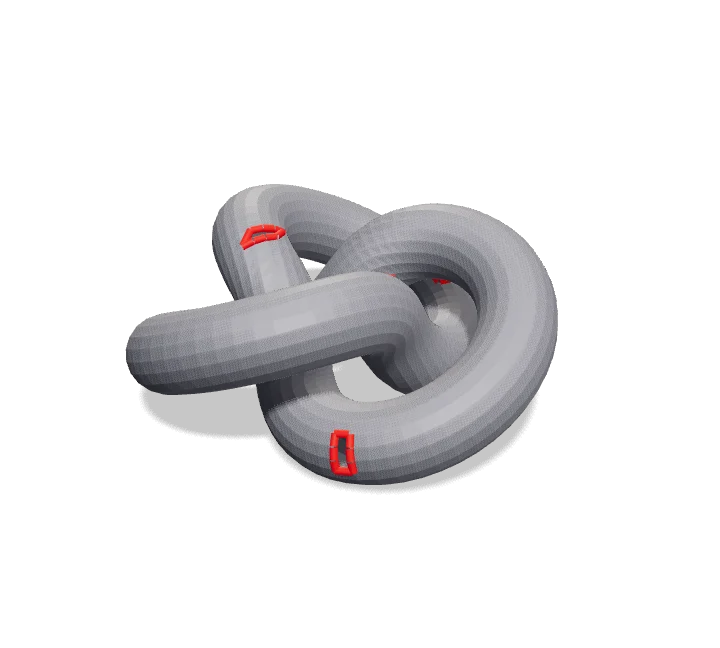
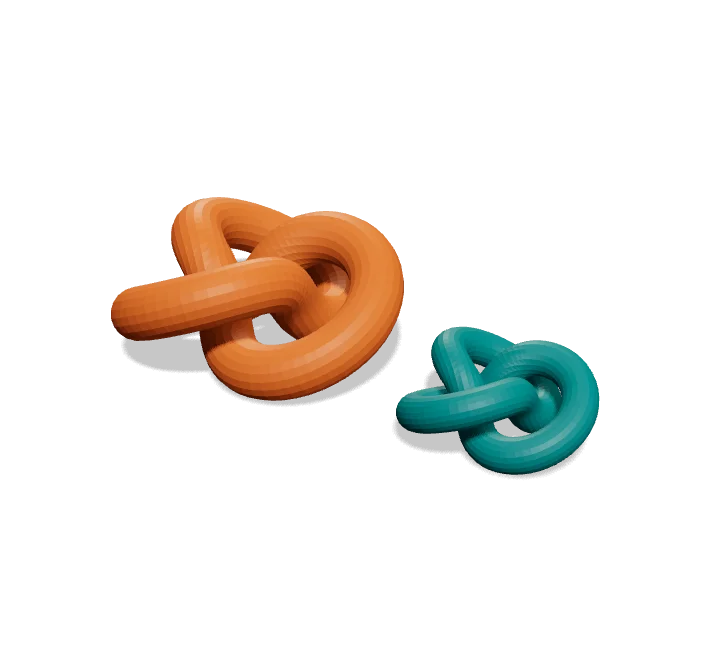
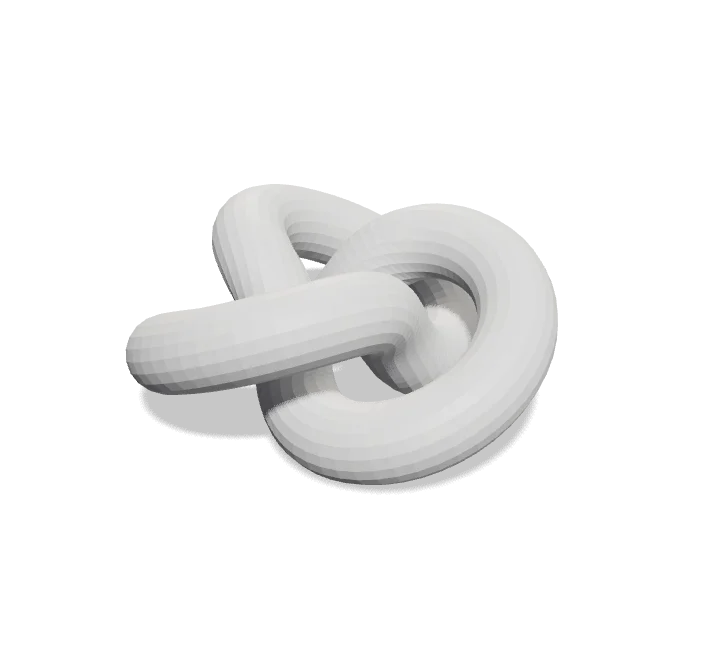
| Detailed knot, 115,200 triangles (text STL) | 25 MB | 47,056 triangles, 2.2 MB | 618 KB |
| Our sample knot, 6,400 triangles (binary) | 313 KB | 6,326 triangles, 309 KB | 82 KB |
All three stayed watertight and kept at least 99.8% of their volume. The sample knot is already lean, so only the 3MF made a real difference there.
When this isn't the right tool
- The file is already a binary STL with a few thousand triangles. There's little left to remove without changing the shape. Save it as 3MF instead; that still takes most of the size off.
- The model is mostly flat faces, like a bracket or a box. CAD apps already save those with as few triangles as they can.
- It's a project 3MF from your slicer. Those also hold thumbnails, print settings and painted colours. Saving it here keeps only the shape, so the settings and colours are gone. To keep them, right-click the part in Bambu Studio or PrusaSlicer and use Simplify model there.
How far can you go?
It depends on how big the print is. The panel shows how far the surface moved, and that's the number to watch. A common FDM setup prints 0.2 mm layers with a 0.4 mm nozzle, so a change under 0.05 mm won't show at all. Up to about 0.2 mm is still smaller than one layer.
Past that, round parts start to look like they were cut from flat panels. That can be fine for a quick test print or a game asset. It's not fine for a part that has to fit another part.
On a resin printer, be stricter. Resin shows much finer detail than FDM, so stay on Keep the look for minis and jewellery.
What Pick how many does to your model
- It merges the cheapest edges first: the ones on flat or gently curved areas. Sharp corners, thin parts and small details go last.
- It never tears the mesh open. Holes and open edges are locked in place, so an open model doesn't get bigger holes, and a watertight one stays closed.
- It stops on its own if going lower would bend the shape by more than 5% of the model's size. A 12-triangle cube stays a cube. You'll see a note when that happens.
- Thin walls are the first thing to watch. If the after panel says the model is no longer watertight, keep more triangles or run the result through STL repair.
Fixing the usual problems
| You see | Why | Try this |
|---|---|---|
| Barely smaller on Keep the look | The model is already lean | Download the 3MF, or pick a percentage and watch Shape moved |
| Faceted or blocky curves | Too few triangles for the size of the print | Raise the percentage until Shape moved is under 0.2 mm |
| Watertight went from Yes to No | A thin wall or a tiny detail collapsed | Keep more triangles, then check with STL repair |
| Slow or stuck on a huge file | Millions of triangles take time in a browser | Give it a minute; close other tabs. Very large scans may need Blender's Decimate modifier |
| Model turned on its side (OBJ, GLB, FBX) | Those formats treat Y as up; slicers use Z | That's on purpose. Rotate it in the STL editor if you want it back |
Shape moved is the best single number to decide by. If it's under a layer, the print won't show it.
Other ways to get the size down
- Zip it. STL zips well, and that's enough for email or a file share. The slicer still has to load every triangle once it's unzipped.
- Export it coarser. In CAD apps, lower the export resolution or raise the tolerance before saving the STL.
- Blender's Decimate modifier does the same job with more control, if you already use Blender. Watch the triangle count in the status bar.
How it works
- 1Drop the STL (or 3MF, OBJ, PLY) in the box.
- 2Leave it on Keep the look, or pick how many triangles to keep.
- 3Check the new size and the preview, then download the smaller STL or 3MF.
Questions people ask
Checked October 2026
- Do my files get uploaded?
- No. Everything runs in your browser. The file never leaves your computer, so it works for client files and unreleased designs too.
- How do I reduce an STL file's size?
- There are three ways, and this page does all of them. Use fewer triangles (the big one), save a text STL as binary, or save as 3MF, which is zipped and shares corners between triangles.
- Will the print look different?
- Not on Keep the look. It only merges triangles where the surface moves less than 0.02 mm, and a 0.2 mm layer is ten times that. If you pick a low percentage yourself, round parts start to show flat facets. The panel tells you how far the surface moved.
- Why didn't my file get much smaller?
- It was already lean. A binary STL with a few thousand triangles has little to remove without changing the shape. Saving it as 3MF still usually cuts it by half or more.
- Can I zip the STL instead?
- Yes, and for sending a file that's often enough: STL zips well. But the slicer still has to load every triangle once it's unzipped. Fewer triangles makes the file smaller and the slicer faster.
- Does it keep the model in the same place?
- Yes. It keeps the size and position from the file, so parts of a set still line up. Only OBJ, GLB, FBX and DAE files, which treat Y as up, are turned to stand Z-up, the way slicers expect.
Other tools you might need