STLPal
All tools / STEP viewer
STEP file viewer
A .step or .stp file from SolidWorks, Fusion, FreeCAD or Onshape opens right here — no CAD license, no upload.
Good to know
What a STEP file actually is
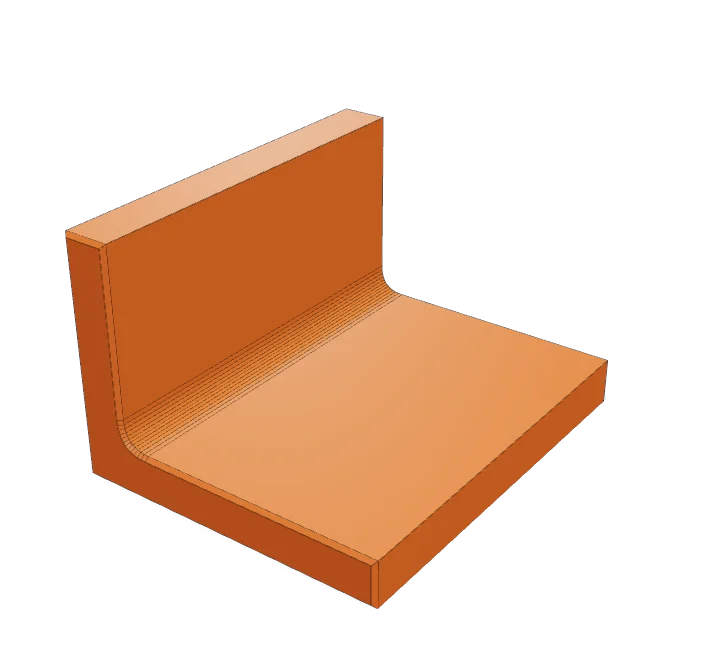
STEP (ISO 10303) is the file CAD programs swap with each other. Where an STL is a pile of triangles with no unit and no history, a STEP records real geometry: cylinders, planes, fillets and the exact measurements behind them, plus the unit it was drawn in.
That is why the same file can open in SolidWorks, Fusion 360, FreeCAD, Onshape and CATIA and mean the same thing in all of them. It is also why a browser can't display one without a CAD kernel — there are no triangles in the file to draw.
What this viewer does with it
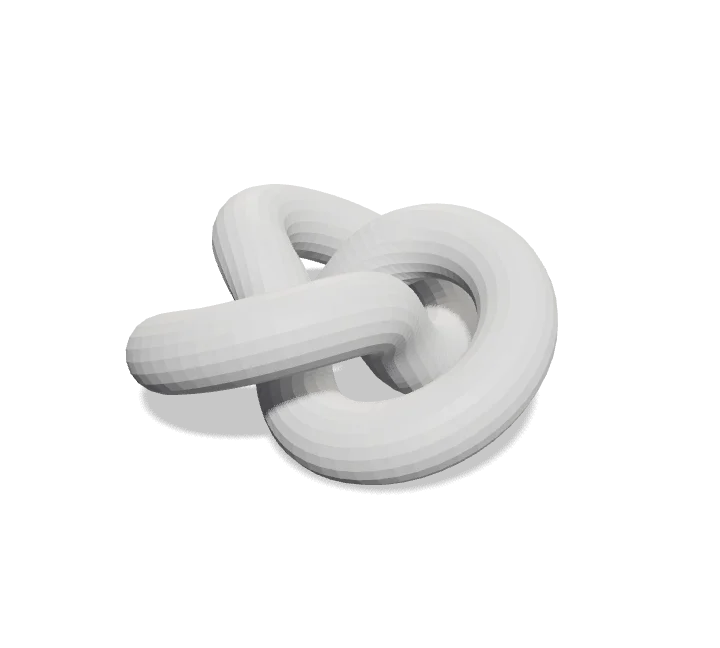
- OpenCascade reads the solids and cuts each curved face into triangles (a mesh) so a normal 3D engine can draw it.
- The unit stored in the file is applied, so the size panel shows millimetres you can measure against a real part.
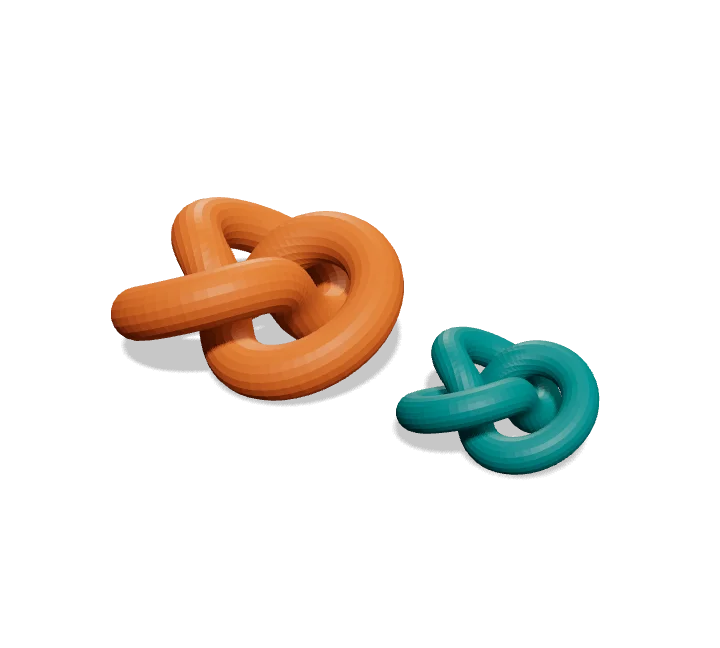
- Assembly structure and per-part colours come through; you get the parts as they were named in CAD.
- What is lost: tolerances, dimensions, PMI annotations and the feature history. Those are in the CAD file, not in the shape.
.step or .stp?
The same format. .stp is the older three-letter extension, and plenty of CAD systems still default to it — the file picker on this page accepts both.
If your file ends in .stepz or .stpx, it is a zipped or XML variant, not the ISO 10303 text format, and it will not open here.
How it works
- 1Drop a .step or .stp file in the box. The first STEP file downloads a 7 MB CAD engine, so give it a second.
- 2Drag to spin it. Scroll or pinch to zoom. Right-drag to pan.
- 3Read the size in millimetres, the triangle count and whether it is watertight in the panel.
Questions people ask
Checked October 2026
- Do my files get uploaded?
- No. Everything runs in your browser. The file never leaves your computer, so it works for client files and unreleased designs too.
- Why does the first STEP file take a few seconds?
- STEP holds solids defined by exact maths, not triangles, so it needs a CAD kernel to turn them into a mesh. That kernel (OpenCascade, compiled to wasm) is 7 MB and downloads the first time you open a STEP file. After that it comes from the cache, and other formats on this site never load it.
- Which STEP versions work?
- AP203, AP214 and AP242 — what SolidWorks, Fusion 360, FreeCAD, Onshape, CATIA and Inventor export by default. Assembly structure and per-part colours come through; PMI annotations and tolerances do not, since they are not geometry.
- Does it keep the real size?
- Yes. STEP records its unit, and the reader converts everything to millimetres. What you see in the size panel is what the part measures — unlike an STL, which carries no unit at all.
- Can I print a STEP file?
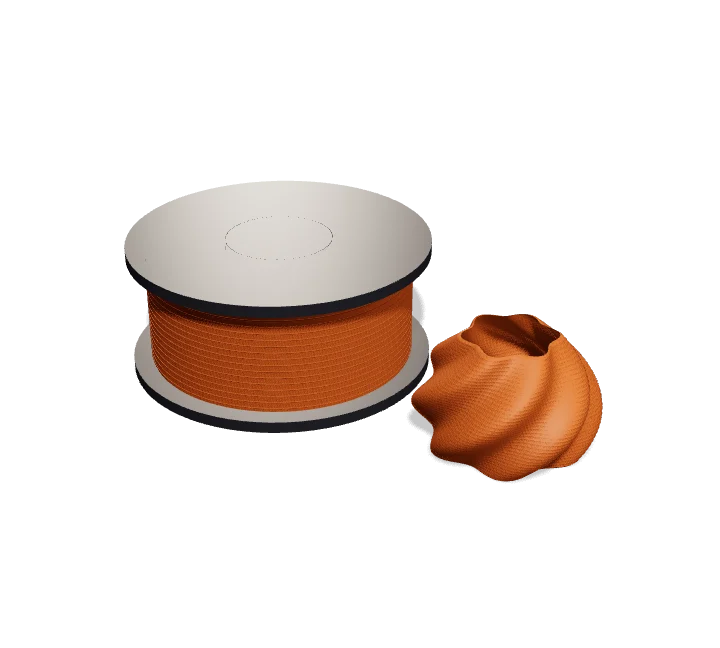
- Not directly — slicers want triangles. Export it as STL with the STEP to STL converter on this site, which gives you a mesh in millimetres, ready for your slicer.
- The model came in hollow or inside out — why?
- A STEP file can describe a surface that was never a closed solid (a sheet body from a surface-modelling tool), and a mesh made from it has no inside. Slicers cannot print that; you need the solid in the original CAD.
Other tools you might need