 STLPal
All tools / STEP to STL
STEP to STL converter
CAD file in, printable mesh out — at the size the part actually is, not scaled by a guess.
Advertisement
Good to know
Why STEP can't go straight to a slicer
Slicers work in triangles, and STEP contains none — it describes a solid mathematically. Something has to tessellate it first, and that is the only thing this page does.
The conversion is one-way: the STL you download has the shape but not the measurements, the unit or the feature tree. Keep the .step file as the master and treat the STL as the print copy.
Getting the detail right
- Curves become flat triangles. The importer aims for a deflection proportional to the model's size, which is smooth at normal layer heights and visibly faceted only on large, gently curved surfaces.
- Holes usually come out slightly small when printed, regardless of the conversion — that is the printer, not the file.
- Touching parts that were modelled separately arrive as separate shells. Union them in CAD, or run the STL through the repair tool before slicing.
- There is no colour in STL. If you need parts separate or coloured, convert to 3MF instead.
How it works
- 1Drop a .step or .stp file. The first STEP file downloads a 7 MB CAD engine once.
- 2Check the size in the panel: STEP carries its unit, so millimetres are real millimetres.
- 3Download STL, then open it in your slicer.
Questions people ask
Checked October 2026
- Do my files get uploaded?
- No. Everything runs in your browser. The file never leaves your computer, so it works for client files and unreleased designs too.
- Does the STL keep the exact size?
- Yes. STEP states its unit and the reader converts to millimetres, so a 40 mm bolt hole comes out 40 mm wide. Raise the deflection if you need finer curves: the default trades a little smoothness for a lighter mesh.
- Why is my STL a bit rougher than the CAD model?
- Because curves become triangles. The importer meshes each face to a tolerance relative to the model's size — fine for printing at typical layer heights, visibly faceted only on large, gently curved surfaces. Re-export from CAD with a tighter tessellation if it matters.
- Do colours and part names survive?
- Part colours show in the viewer, but STL has no concept of either colour or objects: the download is one mesh. If you need the parts separate or the colours kept, convert to 3MF instead — or open the STEP in the STL editor to split and merge first.
- The result is not watertight.
- That is normal for CAD that models parts as touching surfaces rather than a single solid. Run the STL through the repair tool before slicing, or union the parts in the CAD app.
Other tools you might need
STLPalViewer
.STEPFree · in your browser · no upload
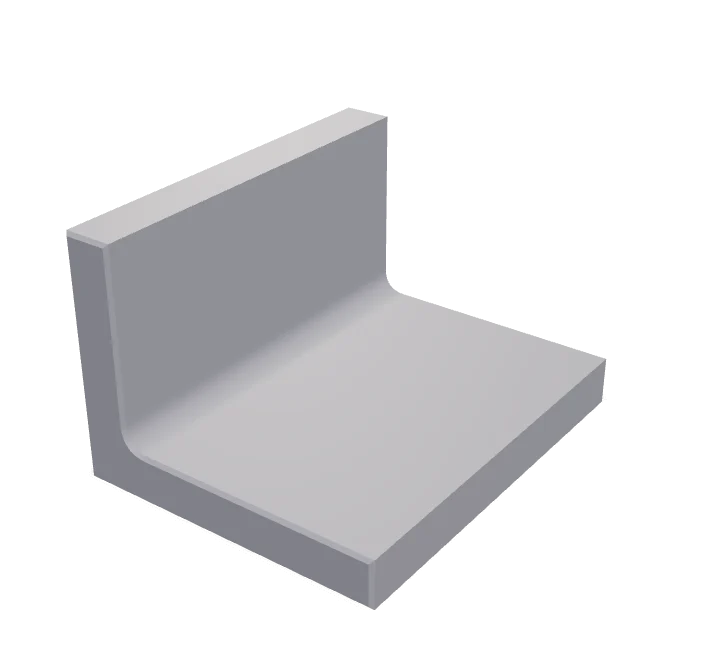
STEP viewerA .step or .stp file from SolidWorks, Fusion, FreeCAD or Onshape opens right here — no CAD license, no upload
STLPalTool
RepairFree · in your browser · no upload
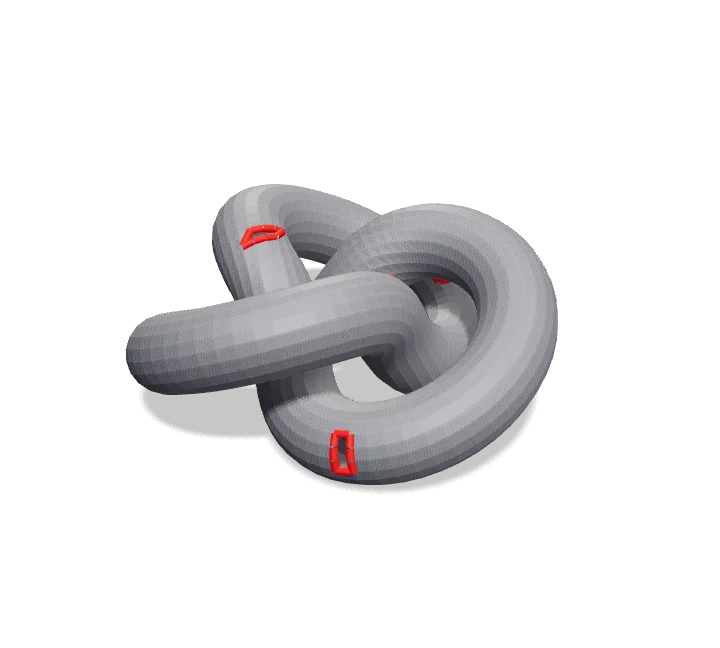
STL repairYour slicer says the model has errors? Drop it here
STLPalConverter
STL→3MF
Free · in your browser · no upload
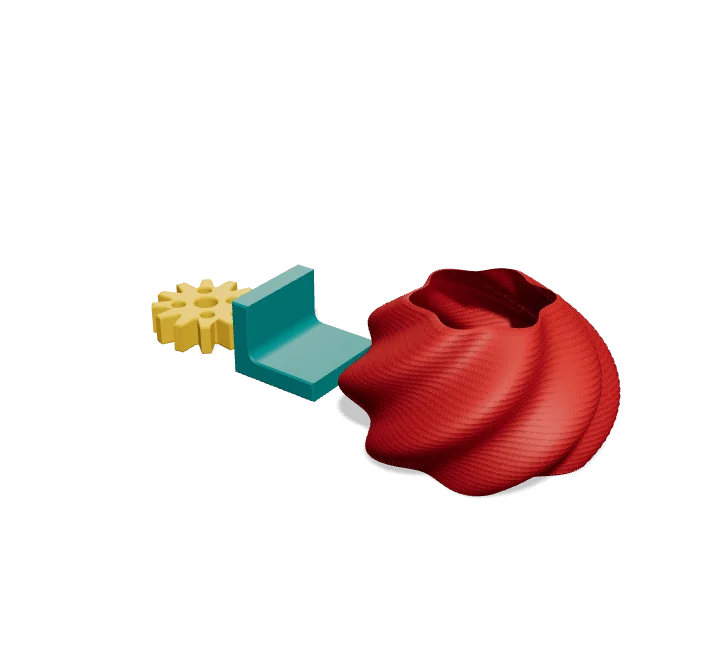
STL to 3MFTurn one STL, or a whole set of them, into a single 3MF
STLPalTool
$ / printFree · in your browser · no upload
Print cost calculatorFilament is only part of the cost