 STLPal
All tools / Image to STL
Image to STL converter
Drop a JPG, PNG or photo. Light and dark turn into high and low, or the shape in a logo stands up on its own. Download an STL you can slice.
Good to know
Relief, raised logo or lithophane?
| You have | Pick | What you get |
|---|---|---|
| A photo, a map, a texture | Photo relief | A slab with the picture pressed in, seen with light on the front |
| A logo, icon or text | Raised logo | The shape standing up from a plate, or as loose parts |
| A photo you want to glow | Lithophane maker | A thin panel that shows the picture when a lamp is behind it |
| A photo you want in colour | HueForge alternative | A flat print where layers of filament blend into shades |
A transparent PNG opens as a raised logo by itself. You can switch modes any time.
Getting a good relief from a photo
- Pick a picture with clear light and dark areas. A grey, foggy photo makes a flat slab.
- Crop it first. The slab takes the picture's shape, so crop to what you want to print.
- Keep the relief shallow. 2–3 mm of depth on a 1–2 mm base already throws strong shadows.
- Print it lying flat, picture side up. Thinner layers make the steps between heights less visible.
- Light it from the side to see it. Straight-on light flattens any relief.
Image to STL with AI: what changes
A photo only shows one side of a thing. This converter doesn't guess the rest. It turns brightness into height, so you always get a flat piece: a plaque, a coin, a stamp, a sign.
AI image-to-3D tools, like Meshy or Tripo, do guess the hidden sides and give you a full model of a figure or an object. The result is a GLB or OBJ that often needs fixing before it prints. Bring it back here and run it through GLB to STL and STL repair.
JPG to STL: a few things to know
- JPG has no transparent background. For a logo saved as JPG, switch to Raised logo: the dark parts become the shape.
- JPG saving adds faint speckle around edges. On a logo, raise the threshold a little if the white background leaves crumbs.
- For a photo relief, JPG is fine. The speckle is far smaller than a nozzle can print.
How it works
- 1Drop a picture. Photos open as a relief. A PNG with a transparent background opens as a raised logo.
- 2Set the width in mm and how deep the relief is (or how tall the logo stands).
- 3Download STL or 3MF and open it in your slicer.
Questions people ask
Checked October 2026
- Do my files get uploaded?
- No. Everything runs in your browser. The file never leaves your computer, so it works for client files and unreleased designs too.
- Can it turn a photo into a real 3D model?
- No. It makes a flat relief: the picture pressed into a slab, like a coin or a plaque. A photo doesn't show the back or sides of anything, so a converter can't build a figure from it. AI generators guess those parts. That's a different kind of tool.
- What's the difference between a relief and a lithophane?
- A relief is meant to be seen with light on the front: the bumps catch shadows. A lithophane is thin and meant to be lit from behind, so the picture shows in the plastic. Use the lithophane maker for that.
- Does it work with JPG?
- Yes. JPG, PNG, WebP, GIF and BMP all open. JPG has no transparency, so a logo saved as JPG uses the dark parts as the shape. Move the threshold if the white background leaves specks.
- What size picture do I need?
- For a relief, about 5 pixels per millimetre is all a 0.4 mm nozzle can show, so 500 px across is enough for a 100 mm panel. Bigger pictures are fine, they just get scaled down.
- Which parts come out high?
- Dark parts, by default. Pick Light parts high to flip it. Try both: the preview updates as you click.
Other tools you might need
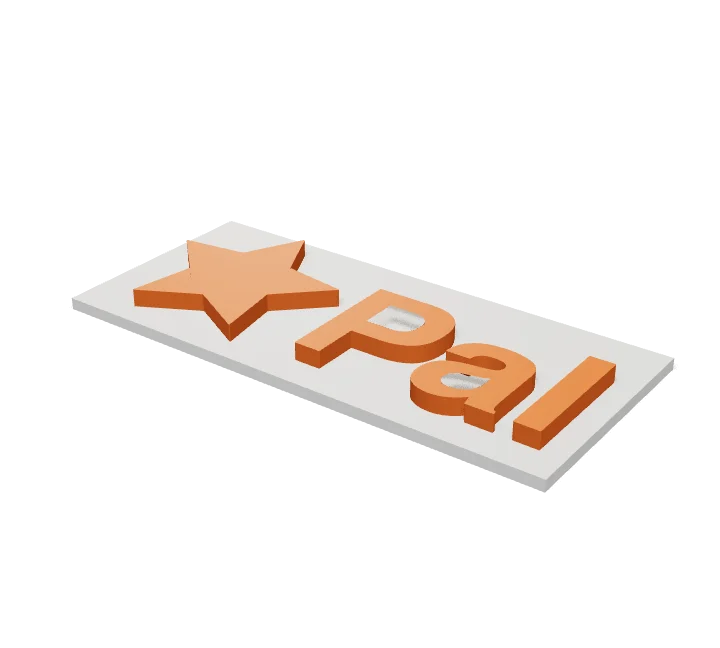
STLPalTool
PNG → STLFree · in your browser · no upload
PNG to STLDrop a PNG logo, icon or name
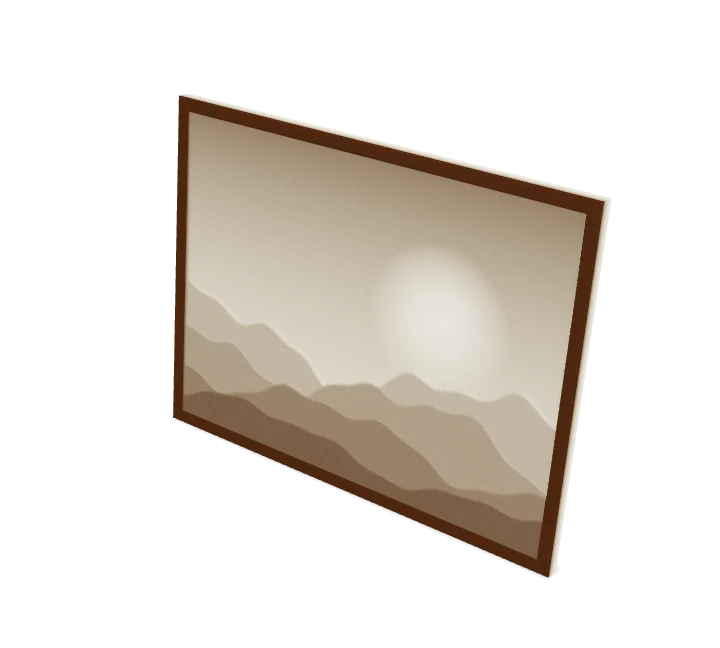
STLPalTool
LithophaneFree · in your browser · no upload
Lithophane makerPick a photo, set the size, download the STL
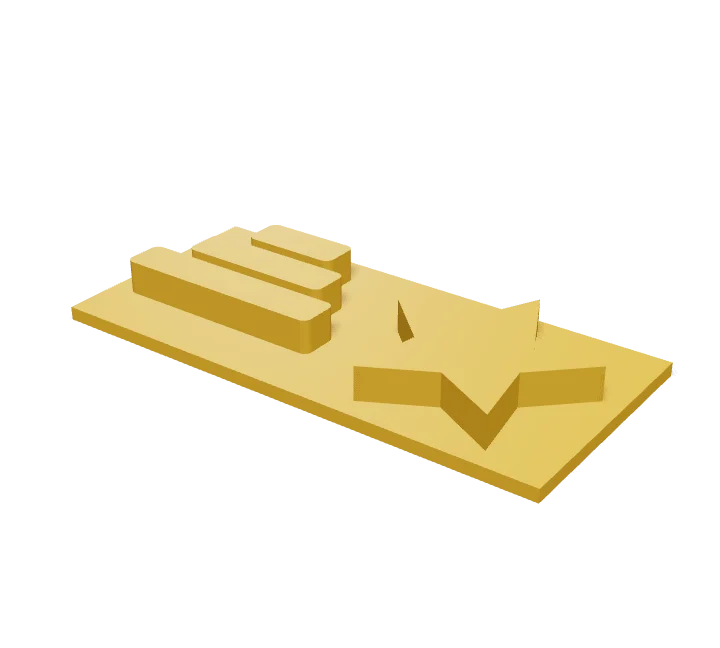
STLPalTool
SVG → STLFree · in your browser · no upload
SVG to STLDrop an SVG and it gets pushed up into a 3D shape you can print
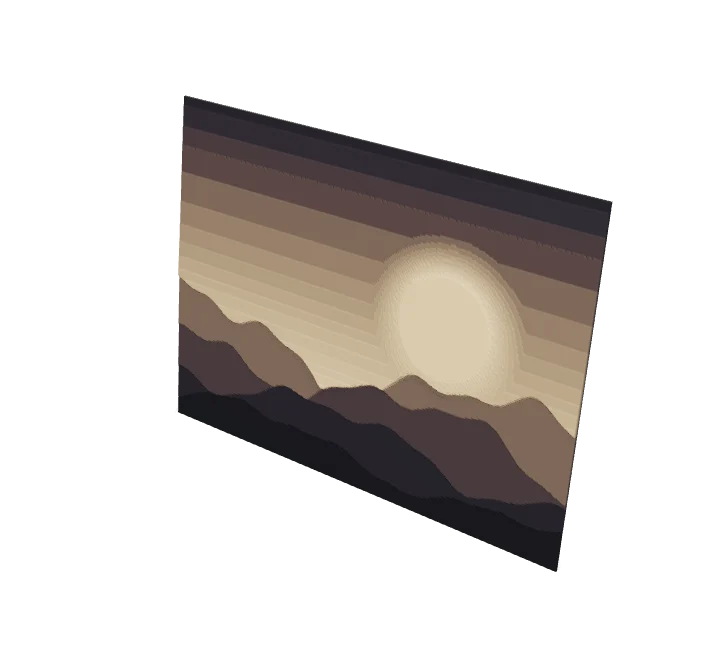
STLPalTool
Filament paintFree · in your browser · no upload
Filament paintingTurn a photo into a filament painting: one flat print where thin layers of different filament blend into shades